Entradas

From SpatialPolygonsDataFrame to RasterStack in R

Titulo en inglés, texto en espanol desde un teclado en portugues. Lo que importa en el codigo. Me pase medio dia resolviendo algo que deveria ser muy simple pero al final no lo es: Convertir un SpatialPolygonsDataFrame en RasterStack . Despues de ver varias respuestas en StackOverFlow , me di cuenta que deberia crear un loop. La linea 4 rasteriza el SpatialPolygonsdataFrame: g_NOx_NMHC La Linea 5 es el raster utilizado en la linea 4 que incluye en numero de columnas y filas Las Lineas 2, 3 y 6 son lapply para que crear un raster iterando para cada columna del SpatialGridDatFrame. La ṕrimera columna es "id" por tanto se parte desde la segunda linea. Finalmente la Linea 1 es do.call ("stack" para convertir la lista de rastaer en un RasterStack de una vez. Demora aproximadamente 5 min. y aqui el codigo:

Plotear las salidas de WRF

Imagen
Un simple script para generar plotear las salidas WRF

Escribiendo paper formato Elsevier con Markdown (Multiple affiliations)

Imagen
RMarkdown es una gran herramienta para escribir documentos, páignas web, presentaciones, incluyendo código de R. Esto permite la reproducibilidad de forma más fácil y transparente. Entre los paquetes desarrollados esta "rticles" que vienen templates de varias revistas, entre ellas elsevier . Comencé a usar este template intentando agregar varias afiliaciones sin mucho éxito, y con varias personas pasando por el mismo problema, y ahi encontré la solución. Pero primero a instalar rticles: install.packages("rticles") A comenzar a escribir: Luego en el header, es necesario editar YAML de la siguiente forma para agregar diferentes afiliaciones: Y el resultado queda:

Leave your addictions... using Ubuntu

Imagen
Well, this is awkward, and kind of funny. It turns out that i've got a lot of work in my PhD in meteorology at USP... that's cool... but i've also been playing this really OLD (prehistoric) game called warzone2100. It's a strategy and military game for Ubuntu... so old and so addictive... that i was spending more time playing than studying, Well, i decided to put an end (After a passed all levels, and only the last one cheating) i decided forbid it in Ubuntu, it means, i cannot install it anymore.... and this is the way: and the result

Error If you REALLY want Grib2 output from WRF, modify the arch/Config_new.pl - WRF 3.7 in Ubuntu (Elementary)

Imagen
Well, i was installing WRF Chem in a server and also in my local machine, following this great tutorial, and when i did ./configure, i had the following error. I had all the libraries installed and environmental variables declared. If you REALLY want Grib2 output from WRF, modify the arch/Config_new.pl script. Right now you are not getting the Jasper lib, from the environment, compiled into WRF. I searched and searched and lots of dudes had the same problem. The solution was ridiculous, was change  one line in VRFV3/arch/Config_new.pl, the line 223, from  $I_really_want_to_output_grib2_from_WRF = "FALSE" ; to  $I_really_want_to_output_grib2_from_WRF = "TRUE" ; and ./configure in WRFV3 and, voilá The funny was, when i was searching for the answer, lots of people had the same problem. I hope it helps

instalar netcdf, rgdal y rgeos en R con Elementary (Ubuntu 14)

Imagen
Creé este post por que me dio mas problemas de lo que me imaginaría hay que instalar las librerías netcdf Luego instalar los paquetes en R y listo

Open Street Map data em Qgis

Imagen
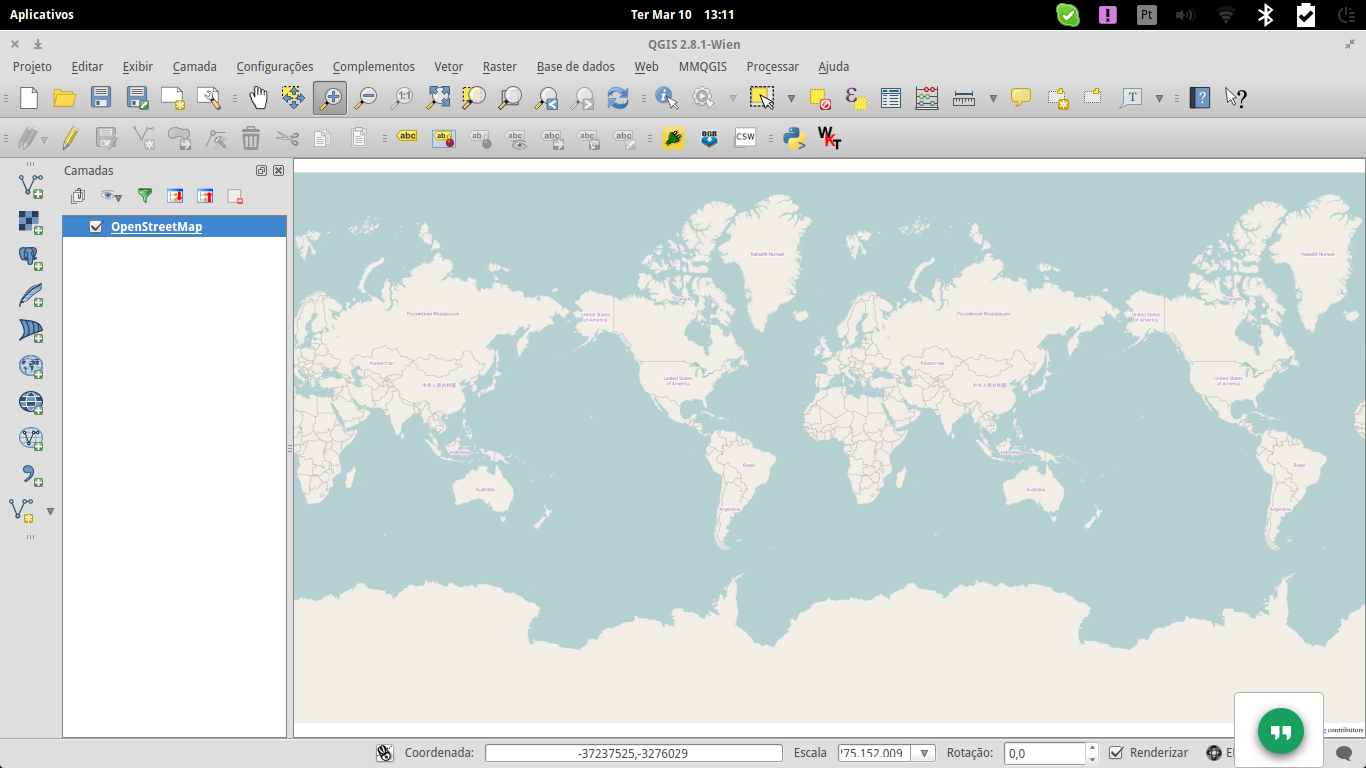
Bom, eu trabalho com +OpenStreetMap   e +QGIS   faz tempo, e eu sempre baixaba dados de Geofabrik. Mas hj aprendi como fazer o proceso direitamente em qgis..... e é tão fácil!!!! Nossa, mais rápido e melhor que baixar um shapefile... Preciso dados OSM de varias cidades de America do Sul, então, primeiro seleciono o complemento Web -> Open Layer  ->  Open Street Map . Fazer sum na cidade, Lima neste caso ir pra Vetor  ->  Open Street Map e baixar dados do OpenStreetMap com Extensão a partir do mapa na tela .  O nome de arquivo de saida tem que ter a estensão .osm, lima.osm neste caso. Agora, ir para Vetor  ->  Open Street Map  ->  importar Topologia de XML  e procurar o arquivo lima.osm ir para  Vetor  ->  Open Street Map  ->  Exportar Topologia para Spatialite  e procurar o arquivo lima.osm.db, marcar arquivos de polylinhas (neste caso estou proc...